
The Easy Way to Try Foodstocks' AR Feature
Use your Computer/Laptop and phone to try this 3D experience:
1. Keep This Screen Open
Don't close this page on your laptop or computer. The image on the right will be the scan target.
2. Open AR on Your Phone
Grab your phone, then tap the button below to open the AR demo. If a camera permission request appears on your phone, choose "Allow".
Open AR on Your Phone Now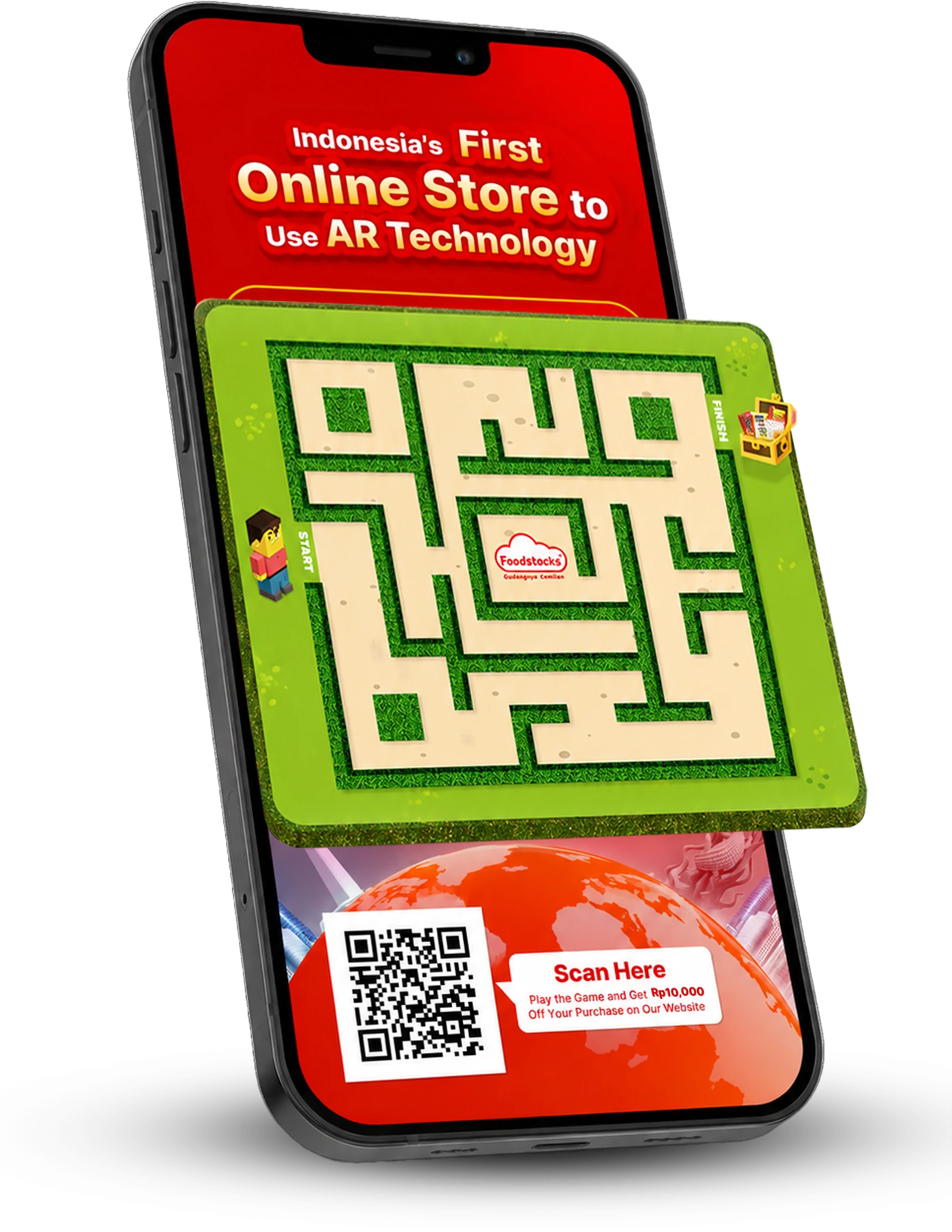
3. Point Your Phone's Camera at the Laptop Screen
Point your phone's camera exactly at the image on this laptop screen. The 3D AR display will appear instantly on your phone's screen!